Interactive Workspaces That Actually Work: The Clevertouch Range
Key Points
- Clevertouch displays transform classrooms, boardrooms, and workspaces with interactive, intuitive tech.
- Each product fits different environments, from SMBs to large corporates, hospitals, universities, and schools.
- Benefits include better collaboration, smoother workflow, immersive presentations, and happier teams.
- Smart Idea brings local support, reliability, and easy integration for South African businesses and institutions.
A Typical Monday in Mzansi…
The kettle is boiling in the office kitchen, students shuffle into classrooms, and the familiar mix of phones ringing, keys clacking, and distant chatter fills the building.
Everyone is on the move, juggling tasks, and trying to make sense of the day ahead.
Across the city, in a hospital, doctors coordinate patient care while nurses update charts and family members call with questions. In a university lecture hall, students drift in late, laptops out, trying to catch up on slides from last week. And in a small Cape Town marketing agency, the team is brainstorming a campaign while attending to client calls, Zoom meetings, and a never-ending Slack thread.
In every space, the question is the same: how can we work smarter, not harder?
Let’s dive into how Clevertouch products could work in different scenarios and locations, helping schools, hospitals, universities, corporates, and SMBs overcome real-world challenges.
SCHOOLS
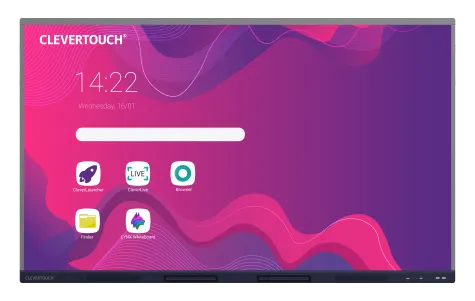
Clevertouch Impact Max 2
Scenario: A busy primary school in Cape Town.
Problem: Teachers are juggling interactive lessons across multiple classrooms, students are squabbling over shared tablets, and the old whiteboard is peeling at the corners.
Solution: The Impact Max 2 brings bright, ultra-responsive touchscreens that allow students to interact, write, and collaborate seamlessly. Teachers can save lesson notes instantly, display them across multiple classrooms, and even integrate multimedia content for engaging lessons.
No more refereeing a “who gets to write on the board first” tug-of-war, finally, the teacher can sip their rooibos in peace.
Benefits:
- Large, vibrant touchscreen for interactive learning
- Instant saving and sharing of lesson notes
- Multi-touch for simultaneous student participation
UNIVERSITIES
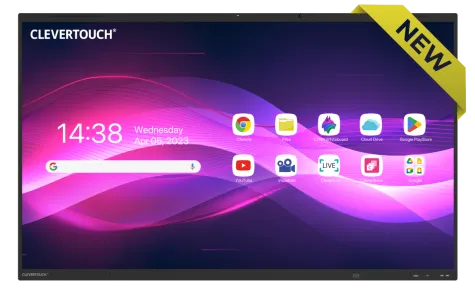
Clevertouch Impact Lux 2
Scenario: A lecture hall at a Durban university.
Problem: Students are lost in the crowd, professors are juggling slides, videos, and whiteboards, and half the class is struggling to see the content at the back.
Solution: The Impact Lux 2 solves this with ultra-bright panels, multi-device sharing, and annotation capabilities. Professors can annotate slides in real time, conduct live quizzes, and ensure every student participates, even the ones who’ve already mentally checked out.
Finally, no more squinting contests or “Can you see this slide?” awkwardness.
Benefits:
- Ultra-bright, high-resolution screen
- Real-time annotation and cloud sharing
- Seamless student engagement through interactive features
HOSPITALS
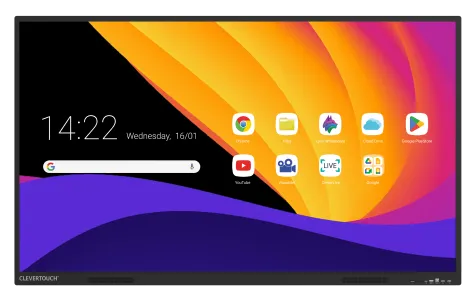
Clevertouch X5
Scenario: A busy Johannesburg hospital.
Problem: Miscommunication in patient handovers, lost charts, and long briefing sessions that eat into precious care time.
Solution: The X5 integrates patient dashboards, staff scheduling, and video consultations into one interactive display. Doctors can annotate patient charts digitally, nurses update patient statuses live, and admin staff see the full workflow in real time.
The boardroom where everyone used to talk over each other now has everyone literally on the same page, and nobody is arguing over who misread the chart.
Benefits:
- Interactive dashboards for real-time updates
- Multi-user collaboration on patient care
- Video conferencing integration for telemedicine
LARGE CORPORATES
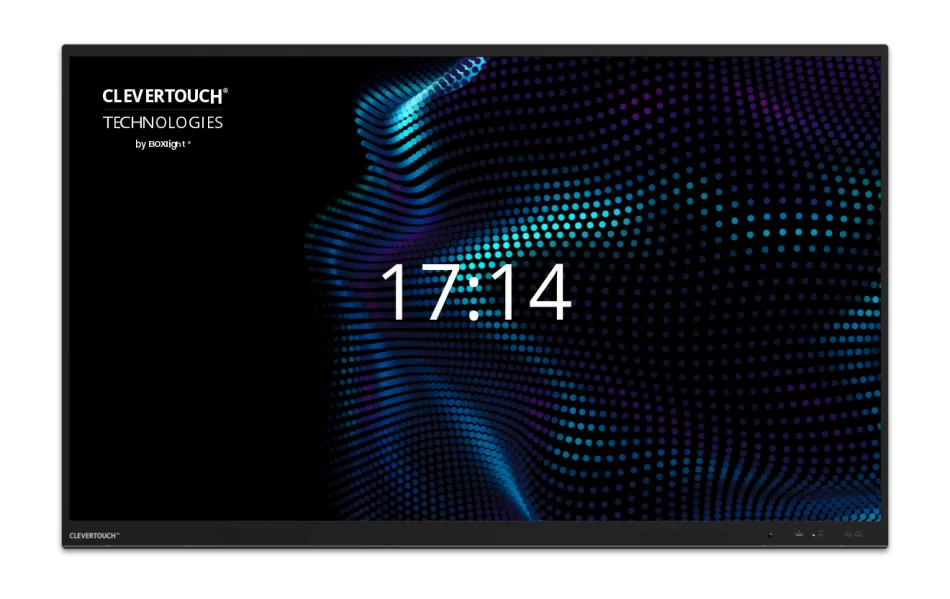
Clevertouch UX Pro Gen 2
Scenario: Johannesburg corporate boardroom, multi-national strategy meeting.
Problem: Endless follow-up emails, missed action points, and executives forgetting what was discussed in the last meeting.
Solution: The UX Pro Gen 2 features 4K video, multi-device control, and integrated collaboration apps. Teams brainstorm, annotate, and instantly share notes across offices in Cape Town, Durban, and London.
The only thing louder than the discussion now is the applause when the meeting actually ends on time.
Benefits:
- 4K camera with smart auto-framing
- Integrated collaboration apps for multi-location teams
- Instant sharing and saving of meeting notes
SMBs
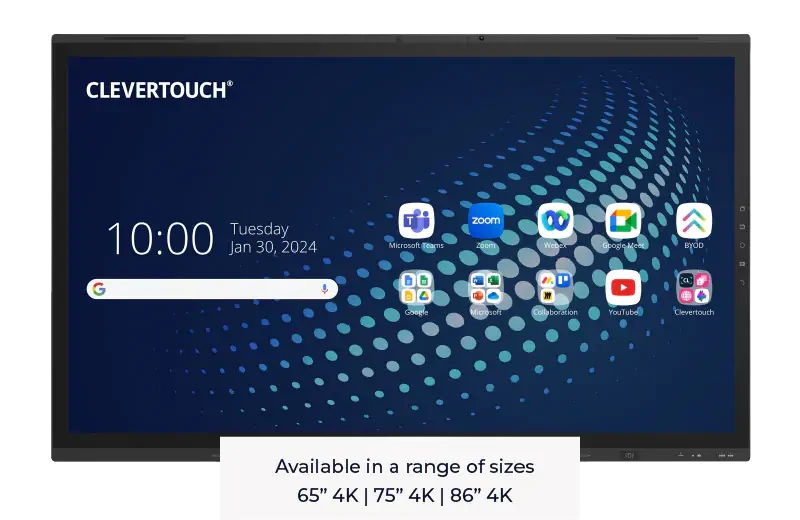
Clevertouch UX Pro Edge
Scenario: Small marketing agency in Cape Town.
Problem: Sticky notes everywhere, whiteboards full of half-erased ideas, and Zoom calls that freeze at the worst moments.
Solution: The UX Pro Edge provides one all-in-one panel with advanced voice tracking, screen sharing, and cloud connectivity. The team ideates live, shares updates instantly, and even the interns can contribute without fear of erasing someone else’s masterpiece.
Finally, the team argues over strategy ideas, not whose handwriting was worse.
Benefits:
- All-in-one interactive display
- Voice tracking and multi-device collaboration
- Cloud integration for instant updates
Whether you’re a school principal, a hospital manager, a university lecturer, a corporate executive, or running a small creative agency in Cape Town, Clevertouch brings your space to life. Interactive, intuitive, and reliable, it’s technology that works for you, not against you.
From brighter classrooms to smoother boardroom workflows and more organised hospitals, Clevertouch transforms everyday frustration into productivity and engagement.
Want to see how Clevertouch can transform your workspace or classroom? Contact Smart Idea for a tailored demo today.